Internal Linking: Pages Don’t Connect? That’s a Problem.
If your website is supposed to be a growth engine, internal linking is the subway map that keeps visitors from ending up in the wrong borough.
A lot of businesses think SEO means keywords, blogs, and backlinks. Sure, those matter. But one of the most overlooked pieces is how your own pages connect to each other.
This concept is called internal linking. It means linking one page on your site to another. These links help Google find pages, understand how your content fits together, and see which pages matter most. They also help visitors move through your site without hitting dead ends or guessing where to go next.
When internal linking is weak, a few things happen:
- Google has a harder time finding and crawling important pages
- Your site structure gets less clear
- Strong pages do less to support weaker ones
- Orphan pages (ones that don’t link to any others) become harder to find and index
That means important content is easier to miss, weaker pages stay weak, and your site becomes harder for both users and search engines to navigate.
Internal linking is part of how your site supports itself. It affects crawlability, usability, and the way your content works together.
What Is Internal Linking? Simple Concept. Big Deal.
“If the pages on your own site are not connected properly, you are inviting people into a building with bad signage and hoping they figure it out.” — Conrad Strabone, Managing Partner & President | e9digital
Internal linking (when one page links to another on the same site) sounds boring. But that boring load-bearing beam is usually what keeps the whole building standing.
An internal link helps users move from one relevant page to the next. It also helps search engines understand hierarchy, discover supporting content, and identify which pages carry more weight inside your site. In other words, internal links are not just there to help someone click around. They shape how your website communicates with both humans and crawlers.
A few core points make that clearer:
- An internal link leads to another page or resource on the same domain. That includes service pages, blog posts, guides, and more. (
 These are all internal contextual links!)
 - Internal links create hierarchy. They help show which pages are foundational and which pages are supporting material.
- Contextual links often carry more strategic value than navigation alone. Menus matter, but links placed naturally inside body copy can send stronger topical signals.
That last point is where strategy starts separating itself from habit. A menu link tells people and search engines a page exists. A contextual link inside a blog post or service page tells them why it matters.
Internal Linking Sits Right at the Intersection of Content Strategy and Technical SEO
You can write a strong article, build a good service page, and still leave value on the table if those pages are not reinforcing one another. A website should behave less like a stack of separate brochures—literally the least proactive thing you can do—and more like a good sales team where everyone knows who to pass the conversation to next.
What Is Internal and External Linking in SEO?
Both types of links matter. Internal links help your site run like a business that knows where to send people. External links help show the rest of the internet you’re not making things up.
This is where people often lump everything together and call it “linking.” That is like calling the Long Island Expressway and Madison Avenue the same thing because both involve pavement.
Internal links connect pages on your own site. External links point from your site to pages on other domains. Both play a role in SEO (search engine optimization), but they do different jobs.
- Internal linking helps distribute authority across your site and can improve crawling and indexing.
- External links can make your content more trustworthy when they point to reputable, relevant sources.
- If a blog post on your site links to another blog post on your site, that’s an internal link.
- If the post links to a news article, study, or partner site on a different domain, that is an external link.
This distinction matters because it helps businesses stop treating all links like they have the same job description. External links are often about sourcing and trust. Internal links are about structure and support.
Does Internal Linking Help SEO and GEO?
As AI becomes a bigger part of search, clear site structure matters more.
Yes, internal linking helps SEO (see above). But this is not just an SEO conversation anymore.
It also matters for GEO (generative engine optimization). AI-driven search systems are trying to understand context, relationships, and topic depth. They are looking for signals that show which pages belong together and which page is the strongest answer.
SEO still depends on crawlability, relevance, and authority. GEO adds another layer by rewarding sites that make context easier to understand. For growing brands, that is good news. You do not need a giant content library. You need a cleaner system.
A well-linked site makes that easier. Internal linking helps GEO through:
- Context and relationships: Connects related pages so AI and search engines can better understand your content.
- Crawlability: Helps important pages get discovered and indexed more easily.
- Topical authority: Shows your site covers a subject in depth across connected pages.
- User engagement: Guides visitors to helpful next steps, which can improve time on site and reduce bounce rate.
If your content is scattered, search engines and AI tools have to work harder to figure out what the site is really about. If your pages connect logically, the structure starts doing some of the explaining for you. A clear, properly linked content cluster shows what the main page is, what supports it, and how the topic is organized.
Internal linking should be part of your marketing strategy because it boosts the work you’re doing. It helps search engines, AI, and users find your business. That is a pretty useful three-way win.
5 Internal Linking Best Practices: Stuff That Actually Helps
“A lot of businesses think they need more content, when really they need the content they already have to stop working against itself.”— Conrad Strabone, Managing Partner & President | e9digital
This is where a lot of businesses go wrong. They throw in a few “read more” links (which takes users to more content), maybe a footer nav, and call it a strategy. That’s not a strategy. If you want internal linking to help rankings, usability, and GEO, it has to be intentional.
1. Use Descriptive Anchor Text.
Anchor text should tell people and search engines what they’re about to click into. Generic phrases like “read more” or “click here” do not add much context. Clear anchor text helps:
- Explain what the linked page is about
- Strengthen topical relevance
- Make the path through the site easier to follow
2. Link Related Pages Together Contextually
The strongest internal links usually live inside the body copy, where they connect one relevant idea to the next. That kind of linking helps build topical relationships across the site and gives supporting pages a job to do. It also creates a more natural experience for readers, because the next click actually makes sense.
3. Fix Orphan Pages
If a page has no internal links pointing to it, it becomes much harder to find—this makes it an orphan page. That is bad for users, and it is bad for search visibility. Even a strong page can underperform if nothing on the site leads to it. Important pages need to be connected, not left sitting out on their own.
4. Use Internal Links to Support Topic Clusters and Pillar Pages
Topic clusters organize related content around one broad subject. The pillar page covers that subject at a high level, while cluster pages go deeper into specific subtopics.
Internal links are what make that setup work. They connect the broad page to the more detailed pages, show which page is the main authority, and help search engines understand how the topic is structured. They also give users a more logical path through the content, moving them from the big-picture page to the pages that answer more specific questions.
Without those links, a topic cluster is just a group of related pages. Internal linking is what turns it into a system.
5. Avoid Aggressive Overlinking and Sloppy Structure Like the Plague
More links do not automatically mean better SEO. If a page is overloaded with links, or if the links feel random, the structure gets messy fast. You can even get dinged by Google for a sudden spike in backlinks (links outside your website) and lower your rankings.
However, the opposite problem can happen as well. Too many weak links can dilute the value of the stronger ones and make the page harder to navigate. Internal linking works best when it is focused, relevant, and built with some discipline.
Internal Linking Strategy: How To Think About It Like a System
Internal linking works best when it is part of the structure, not something you remember five minutes before publishing.
An internal linking strategy is not just remembering to add links before publishing a page. It is a system that reflects your priorities, your site structure, and the pages you actually want people to find.
Think of it this way. Some pages should act like hubs. Others should support those hubs.
Your service pages, core guides, and key conversion pages usually need the most support. Blog posts, FAQs, and related resources can help feed authority and context into those pages. That is how a site starts acting less like a stack of separate documents and more like a connected business asset.
A strong strategy usually comes down to three things:
- Support the pages that matter most: Important pages should not be buried three clicks deep with no help from the rest of the site.
- Use stronger pages to lift weaker ones: Pages that already earn traffic or backlinks can pass value internally.
- Match links to user intent: A reader should be able to move naturally from learning to evaluating to reaching out.
This becomes even more important during redesigns. Internal linking is a core design issue, not cleanup work. That is why redesigns so often lose momentum when structure is not mapped carefully from the start.
Internal Linking Audit: Find the Leaks Before They Cost You
Sometimes the problem is not that your site needs more content. Sometimes it just needs its existing pages to stop working against each other.
A lot of businesses assume weak SEO performance means they need to publish more. Sometimes that is true. Sometimes it is like buying new furniture for a house with a leaky roof. The issue is not what you are adding, but what is already broken.
A good internal linking audit from an agency like e9digital helps you spot the pages that are buried, disconnected, or supported so poorly they may as well be wearing camouflage. It shows where your site structure is helping and where it is getting in its own way.
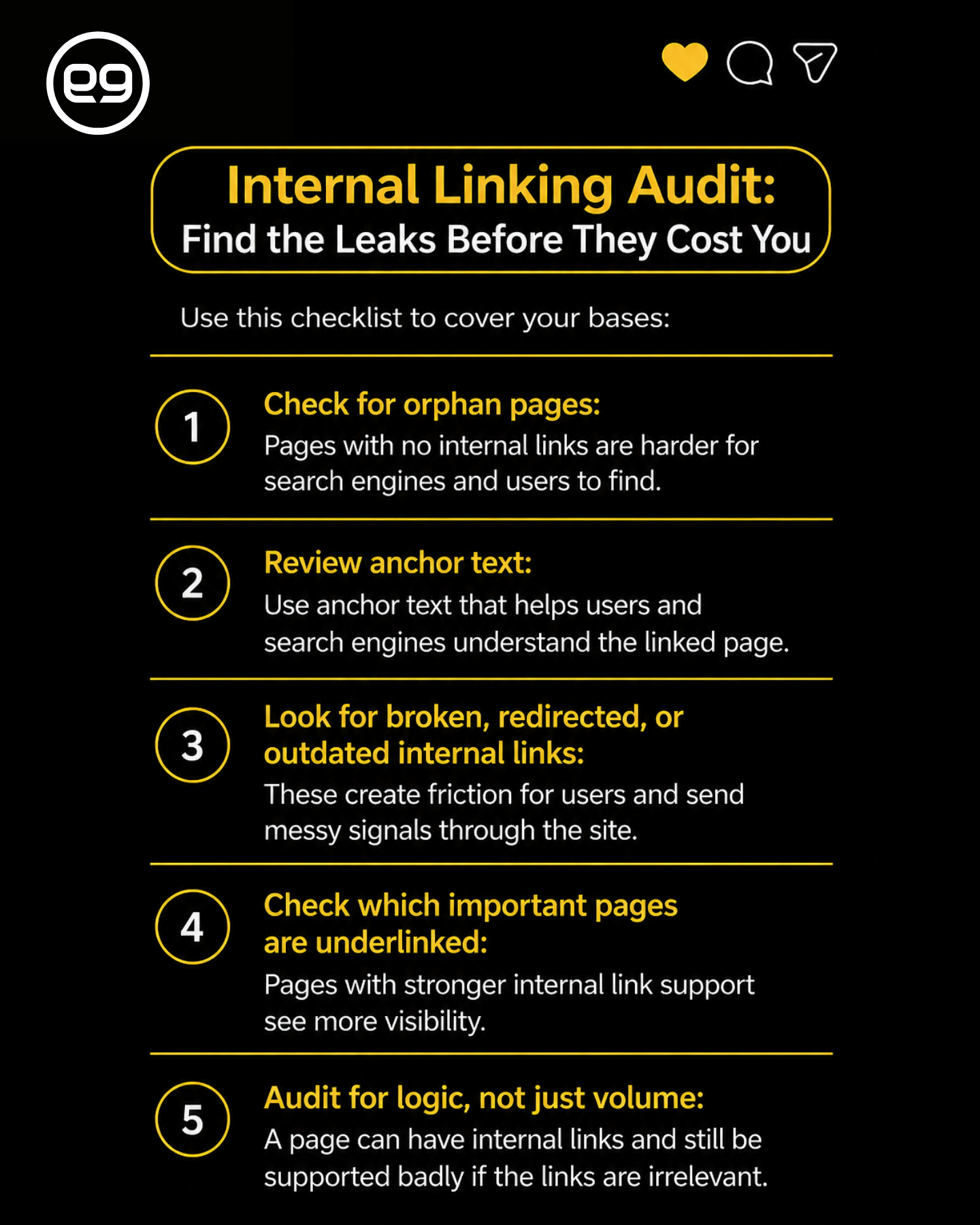
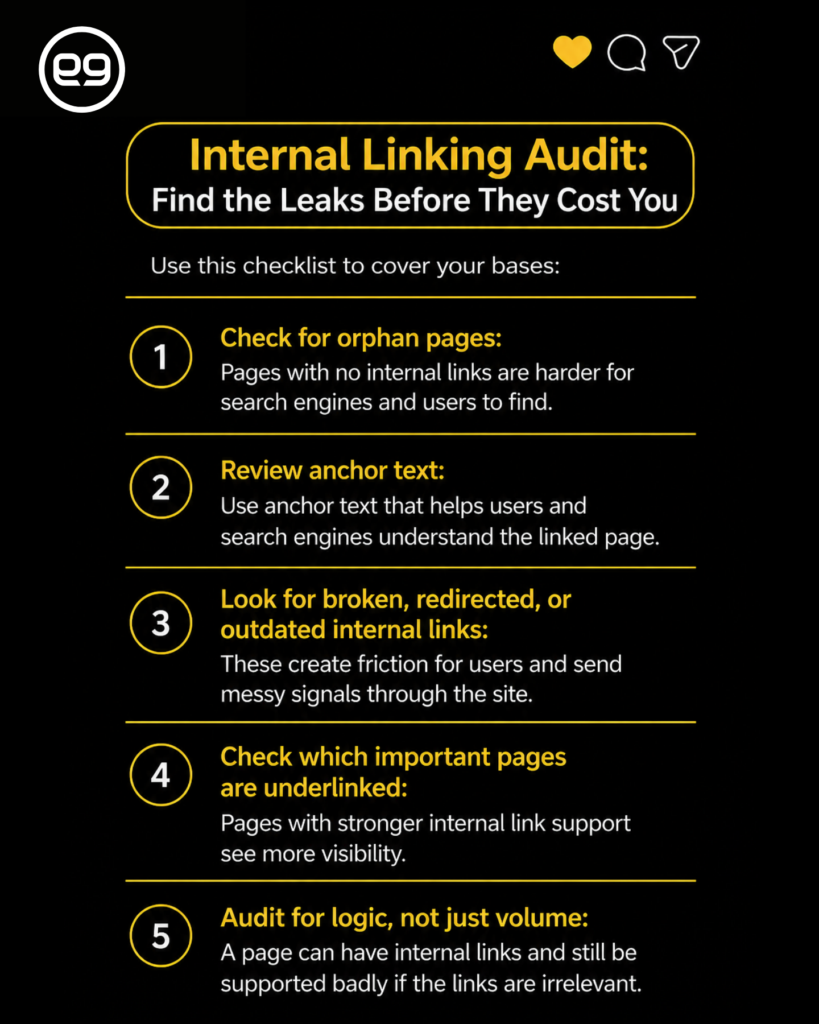
Use this checklist to cover your bases:
- Check for orphan pages: Pages with no internal links are harder for search engines and users to find.
- Review anchor text: Use anchor text that helps users and search engines understand the linked page.
- Look for broken, redirected, or outdated internal links: These create friction for users and send messy signals through the site.
- Check which important pages are underlinked: Pages with stronger internal link support see more visibility.
- Audit for logic, not just volume: A page can have internal links and still be supported badly if the links are irrelevant.
Many businesses look at internal linking like a numbers game. More links. More pages. More volume. But a bad internal linking setup is less like a shortage and more like bad traffic flow. You do not solve it by adding more cars to the road. You solve it by fixing the intersections.
Internal Linking Tools: What Helps
You can inspect a few pages by hand. After that, trying to do this manually starts feeling like trimming the Giant Stadium’s football field with kitchen scissors.
Internal linking tools make it easier to spot orphan pages, weak link paths, broken internal links, and pages that are not getting enough support. On a bigger site, that kind of visibility matters because structure problems are not always obvious page by page.
A few common tools people use:
- Ahrefs for internal backlink reports and site audits
- Semrush for internal linking reports and site crawl issues
- Screaming Frog for crawling the site and spotting structural problems
- Google Search Console for indexing and internal link insights
- Sitebulb for visual site architecture and internal link analysis
The tool can show you where the problems are. It cannot tell you which pages matter most to your business or which pages should act as the main authority on a topic. Sometimes, it’s best to trust technical work like this to a website design and development agency.
So yes, use the crawler. Pull the report. Just do not confuse the tool with the thinking. The software gives you the map. You still need help from experts to decide where traffic should go.
Internal Linking Isn’t Glamorous. It’s Still Important.
No one is showing off their internal links at a dinner party. That does not make them any less valuable.
Internal linking is not flashy, but it does a lot of heavy lifting. It helps search engines find important pages, helps users get to the next logical step, and helps your content work more like a system and less like a pile of separate pages.
That is where e9digital comes in.
We help businesses anchor site structure and connect content to conversion goals so the website doesn’t just sit there doing nothing—it makes you money by bringing in more leads. If your site has the content but not the structure, schedule a call with our team today.
The post Internal Linking: What Is It & Why It’s Nonnegotiable appeared first on e9digital.